

Sign In
Sign in now to access exclusive deals and a seamless shopping experience on Cheaper Connection. Fast, secure, and hassle-free checkout!
Learn why your iPhone keeps getting hot, what you can do at home, and when overheating may mean battery, charging or hardware repair is needed.
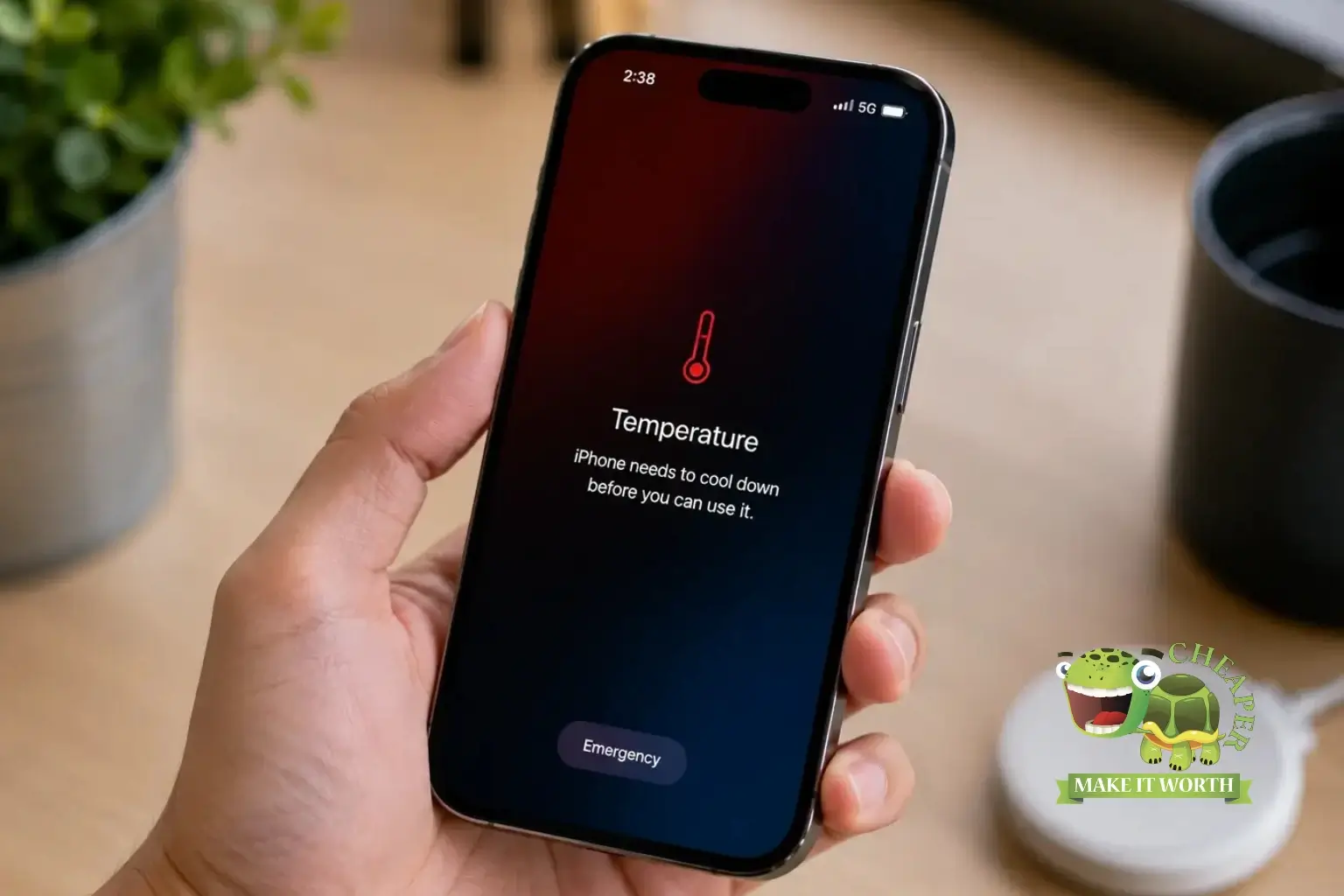
An iPhone can get warm during charging, gaming, video recording, hotspot usage or navigation. But if your iPhone keeps overheating, shows a temperature warning, drains battery quickly or becomes too hot to hold, it may need proper checking.
This guide explains the most common reasons for iPhone overheating in Malaysia, what you can do at home, and when you should visit a repair centre for professional inspection.
Your iPhone may overheat because of hot weather, direct sunlight, heavy gaming, video recording, background apps, weak battery health, faulty charging cable, dirty charging port, water damage, software bugs or internal hardware problems.
Occasional warmth is normal. Repeated overheating is not. If your iPhone gets hot even during light use, loses battery very fast, shuts down by itself or shows a temperature warning, you should check it properly.
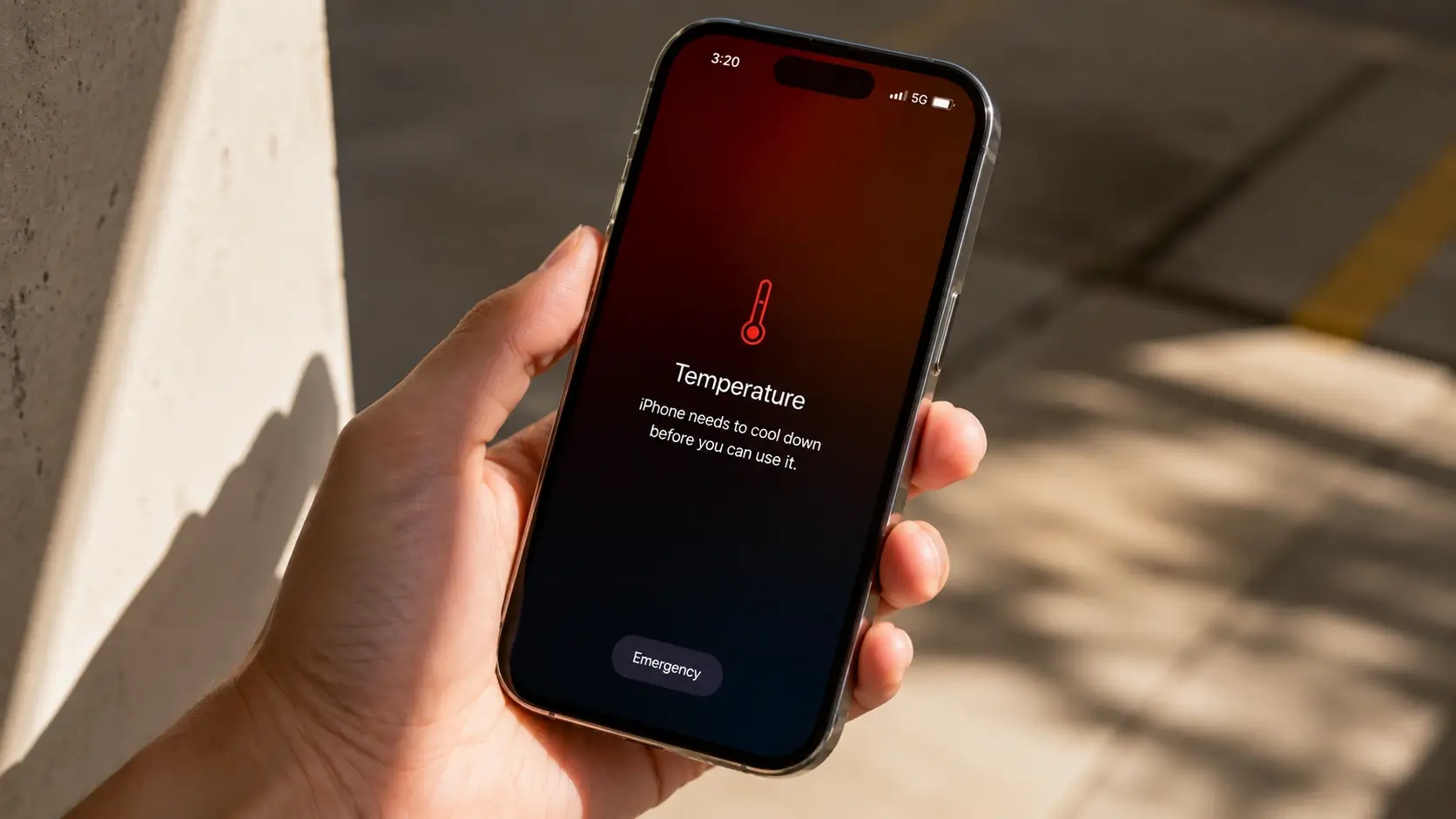
Malaysia weather is hot and humid, so iPhones can heat up faster when used outdoors, inside a parked car, near windows, or under direct sunlight. Navigation, 5G, camera recording and mobile hotspot can make the temperature rise even more.
Avoid leaving your iPhone on a car dashboard, using it under direct sun for too long, or charging it while the phone is already hot. These habits can affect battery health over time.
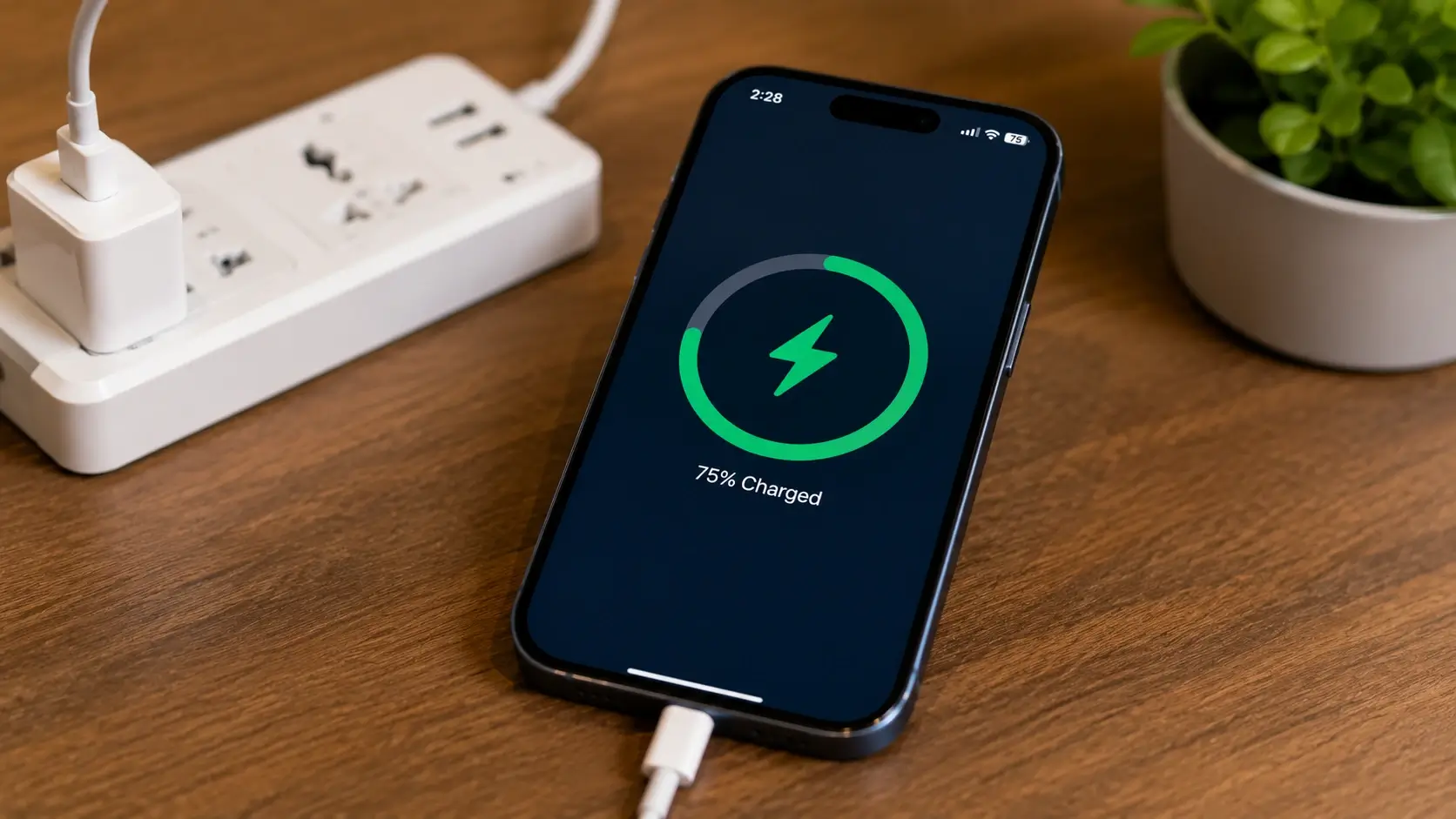
Many overheating problems happen during charging. A damaged cable, unstable adapter, dirty charging port, cheap accessories or charging while gaming can create extra heat.
If your iPhone only overheats when charging, the issue may be related to the battery, charging port, cable, adapter or internal charging component. You may also read our guide on iPhone battery replacement Malaysia.
Some apps use more power than others. Games, camera apps, video editing apps, maps, livestreaming apps and hotspot usage can push your iPhone harder. When the processor works harder, heat increases.
You can check battery usage by going to Settings > Battery. If one app uses too much battery in the background, update it, limit background refresh or uninstall it if not needed.
Battery condition is one of the most important things to check. A worn battery may drain faster, charge slower, shut down unexpectedly or become hotter during normal use.
Go to Settings > Battery > Battery Health & Charging and check maximum capacity. If battery health is low or you see a service message, battery replacement may help improve daily usage.
Water damage can create internal corrosion, charging problems and unexpected heat. The phone may still work normally at first, but hidden damage can appear later.
If your iPhone overheats after rain exposure, liquid spill, toilet drop, beach trip or previous repair, it is safer to get the device inspected. Do not keep charging a liquid-damaged phone blindly.
| Step | What To Do | Why It Helps |
|---|---|---|
| 1 | Stop charging | Reduces heat immediately |
| 2 | Remove phone case | Helps heat escape faster |
| 3 | Close heavy apps | Reduces processor load |
| 4 | Move away from sunlight | Prevents external heat buildup |
| 5 | Update iOS and apps | May fix software bugs |
| 6 | Check battery health | Finds possible battery issue |
Do not place your iPhone inside a freezer or directly in front of extreme cold air. Sudden temperature changes can create condensation and damage internal components.
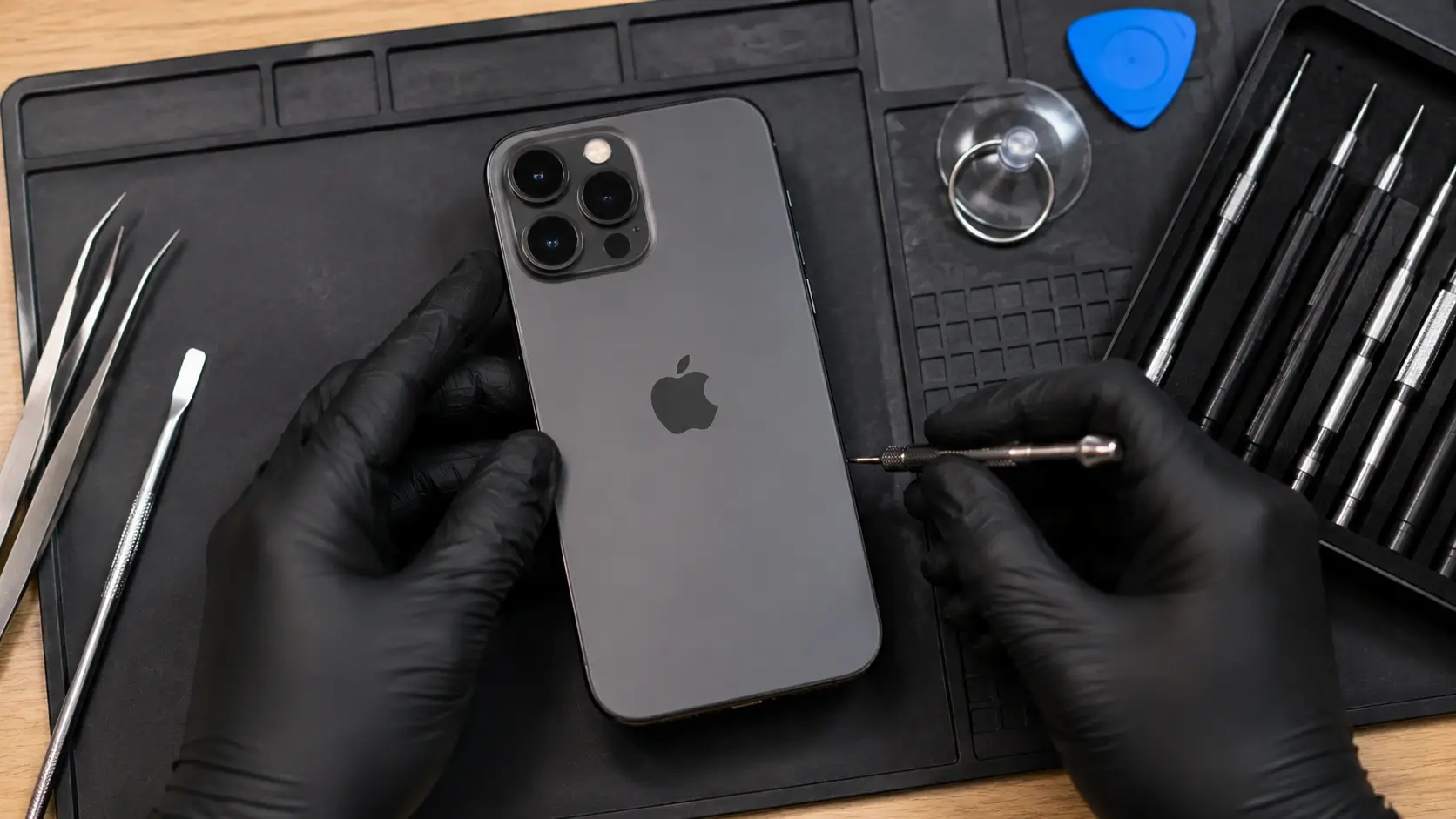
You should visit a repair centre if your iPhone overheats repeatedly, cannot charge normally, battery drains very fast, shuts down by itself, has water damage history, shows temperature warnings often, or becomes hot even when you are not using it.
A proper inspection can help identify whether the issue comes from battery, charging port, motherboard, water damage or software. If you are also facing charging issues.
To reduce overheating, avoid charging while gaming, keep your iPhone away from direct sunlight, update iOS, use reliable charging accessories, clear unused apps, monitor battery health and repair charging issues early.
If you are buying a used iPhone, always check battery health and device condition first. You can follow our guide on how to check original iPhone before buying in Malaysia.
If your iPhone keeps overheating, visit Cheaper Connections for checking. We can help inspect battery, charging, device condition and repair options.
👉 Contact Cheaper Connections
👉 Read Battery Replacement Guide
👉 Read Used iPhone Checking Guide
Is it normal for iPhone to get hot?
It is normal for iPhone to feel warm during charging, gaming or video recording. It is not normal if overheating happens often or during light use.
Can bad battery cause iPhone overheating?
Yes. A weak or damaged battery can cause faster drain, charging problems and heat.
Why does my iPhone get hot while charging?
It may be caused by charging accessories, battery condition, dirty port, software issue or internal charging fault.
Should I continue using my iPhone if it shows temperature warning?
No. Let it cool down first. If the warning keeps coming back, get the phone checked.
