

Sign In
Sign in now to access exclusive deals and a seamless shopping experience on Cheaper Connection. Fast, secure, and hassle-free checkout!
A complete Malaysia guide on how to check whether an iPhone is original before buying — including battery health, serial number, Face ID, iCloud lock, and more.
Buying an iPhone in Malaysia can feel exciting, especially when you find a good price online or from a used iPhone seller. However, before making payment, it is important to know how to check whether an iPhone is original and whether the device condition is actually safe to buy.
Many buyers focus only on price and forget to check important things such as battery health, Face ID, display quality, repair history, iCloud lock, and warranty support. A cheap iPhone can quickly become expensive if hidden problems appear after purchase.
This is especially important when buying a used iPhone, second hand iPhone, refurbished iPhone, or installment iPhone in Malaysia. Some units may look clean outside but still have hidden issues inside.
To check whether an iPhone is original, you should verify the serial number, IMEI, battery health, display quality, Face ID function, iCloud status, repair history, and overall device condition. You should also physically test the camera, speaker, charging port, microphone, mobile signal, WiFi, and touchscreen responsiveness before paying.
For Malaysian buyers, the safest option is to buy from a trusted iPhone seller that provides transparent device condition, testing process, warranty support, and after-sales service.
If you are still comparing where to buy safely, you may also read our guides on where to buy cheap iPhone in Malaysia, buying iPhone online safely in Malaysia, and used vs refurbished iPhone in Malaysia.
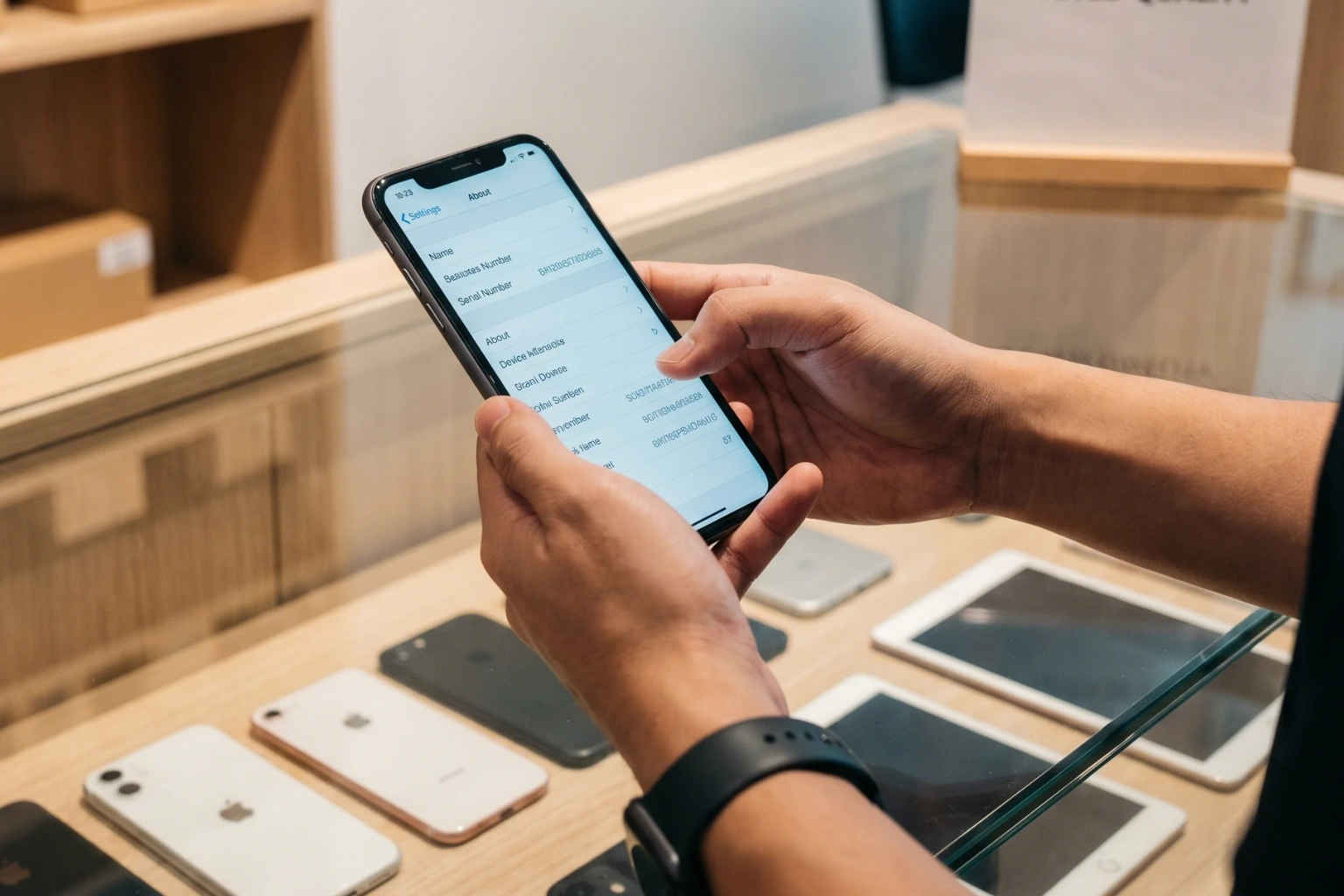
The serial number is one of the first things you should verify before buying any iPhone. You can find it inside the phone by going to Settings > General > About.
The serial number section should display the model name, storage capacity, software version, and other device information clearly. If the information looks suspicious, inconsistent, or missing, you should investigate further before making payment.
Serial number checking alone is not enough, but it is one of the first important identity checks before continuing with deeper inspection.
The IMEI number is another important identifier used to verify the device. In many cases, you can find the IMEI inside the About section, SIM tray, or original box.
When buying a used iPhone in Malaysia, make sure the IMEI inside the phone matches the seller’s receipt, packaging, or documents if available.
Some buyers lose money because they skip IMEI verification completely and focus only on getting a lower price.
Battery health is one of the most important things to check before buying a used iPhone. Go to Settings > Battery > Battery Health & Charging and review the maximum capacity percentage.
A weaker battery may drain faster, overheat more easily, or reduce performance during daily usage. This affects social media usage, gaming, video recording, mobile hotspot, and overall user experience.
If the battery has already been replaced before, ask whether the replacement battery is original or third-party.
For deeper understanding, read our guide on why iPhone battery health matters. You may also compare used iPhone 13 in Malaysia, used iPhone 14 Malaysia, or check the iPhone installment plan in Malaysia.
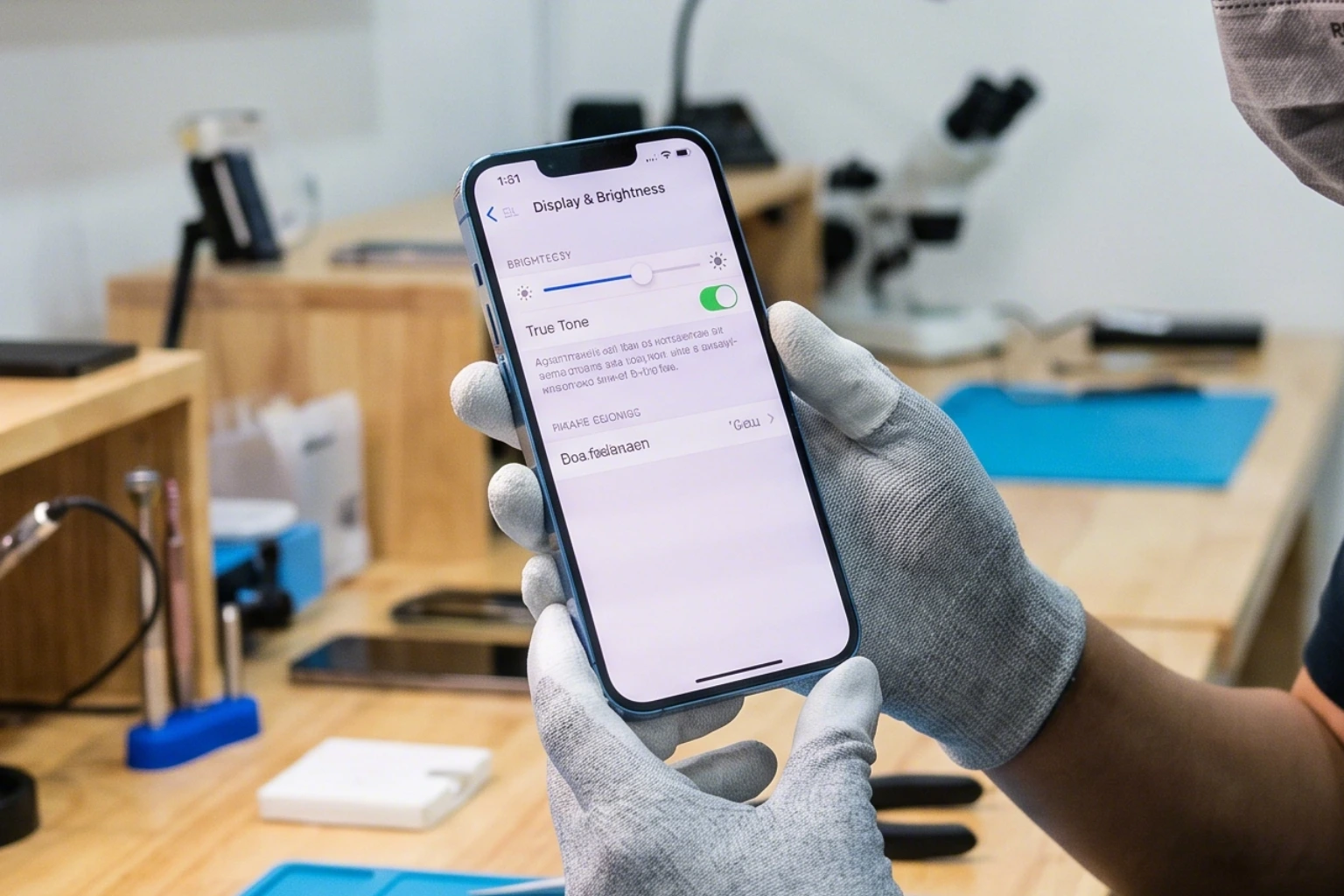
The display is one of the most expensive components inside an iPhone. Before buying, carefully inspect the screen for green lines, dead pixels, white spots, touch issues, or uneven brightness.
You should also verify whether True Tone is still available. Missing True Tone may indicate that the display has been replaced previously without proper calibration.
A transparent seller should explain whether the screen is original, replaced, refurbished, or repaired before.
Face ID is one of the most important features on modern iPhones. If Face ID is not working properly, repair can become complicated and expensive.
Before paying, set up Face ID or ask the seller to demonstrate the unlocking process. The device should scan and unlock smoothly without warning messages.
Face ID problems can affect banking apps, convenience, resale value, and long-term confidence.
iCloud lock is one of the biggest risks when buying a used iPhone. If the phone is still linked to another Apple ID, you may not be able to activate or use it properly after reset.
Before buying, make sure the seller signs out from Apple ID and turns off Find My iPhone completely.
An iCloud locked device can become almost unusable after reset. Never assume it can be “fixed later” easily.
Many iPhones may appear clean externally but still hide internal issues. Before buying, test the front camera, rear camera, speaker, microphone, vibration, charging port, WiFi, Bluetooth, and SIM network.
Small hardware issues may later become expensive repair problems if ignored.
Water damage can create future issues even if the phone still works normally during testing. Look carefully for foggy lenses, speaker distortion, unusual heating, or signs the device has been opened before.
You should also inspect the screws near the charging port. Damaged screws may indicate previous opening or repair work.
Warranty matters because some issues only appear after several days of real usage. A trusted seller should clearly explain warranty duration, hardware coverage, exclusions, and after-sales support.
Some warranties may exclude battery, water damage, display damage, or accidental damage. Read our guide on second hand iPhone warranty in Malaysia before deciding.
Some deals look attractive simply because the price is lower than market value. However, extremely cheap pricing can sometimes hide major issues.
If you are buying online, always prioritize trusted sellers with transparent device condition and customer support.
A refurbished iPhone can still be original. Refurbished simply means the device may have been repaired, restored, cleaned, or had components replaced before resale.
The important factor is transparency. Buyers should understand whether the display, battery, housing, or internal parts were replaced before.
You can compare more differences in our guide on used vs refurbished iPhone in Malaysia.
| Check | Why It Matters | Status |
|---|---|---|
| Serial number | Confirms identity | Must check |
| IMEI | Matches phone details | Must check |
| Battery health | Affects usage and resale | Must check |
| Face ID | Expensive repair risk | Must test |
| Display | High repair cost | Must test |
| iCloud lock | Activation issue risk | Must clear |
| Warranty | Protects after purchase | Must confirm |
If multiple warning signs appear together, do not force the purchase just because the price looks attractive.
For Malaysian buyers, the safest option is to choose sellers that provide proper testing, transparent grading, warranty support, and after-sales service.
| Recommended Option | Suitable For | View |
|---|---|---|
| Used iPhone 13 | Budget-conscious buyers | View iPhone 13 |
| Used iPhone 14 | Buyers wanting newer model | View iPhone 14 |
| Used iPhone 14 Original SIM | Buyers prioritizing original condition | View iPhone 14 Ori SIM |
| Installment Plan | Monthly payment buyers | View Installment Plan |
Browse available models or WhatsApp us for advice before choosing your next iPhone.
👉 View Used iPhone 13
👉 View Used iPhone 14
👉 View Installment Plan
👉 Contact Cheaper Connections
