Chat with
Us Now :)

Season Sale: Don't miss out great deals!

Great Promotion. Shop now

Lowest Price iPhone Deals in Malaysia!

Home Blog How to Check a Used iPhone Conditions Before Buying in Malaysia (Complete Guide)

How to Check a Used iPhone Conditions Before Buying in Malaysia (Complete Guide)

2026-01-13 · 10 min read · Used iPhone

A complete step-by-step guide to checking a used iPhone in Malaysia before buying, covering battery health, iCloud lock, parts history, and hardware testing.

Quick Summary
  • Always confirm iCloud sign-out before paying.
  • Check battery health, parts history, and hardware.
  • Avoid sellers without QC checks or after-sales support.

Buying a used iPhone in Malaysia can be a smart way to save money — but only if you know what to check. Many “good deals” hide issues like iCloud lock, weak battery, unknown parts, or network problems. This guide gives you a practical checklist that you can follow in under 10 minutes before paying.
Key Takeaways (Read This First)
Must check: iCloud signed out + activation works.
Most common trap: “Unknown parts” & hidden repairs.
Fast test: Screen + Face ID + camera + speaker + charging.
Safer option: buy from a shop with QC + support.
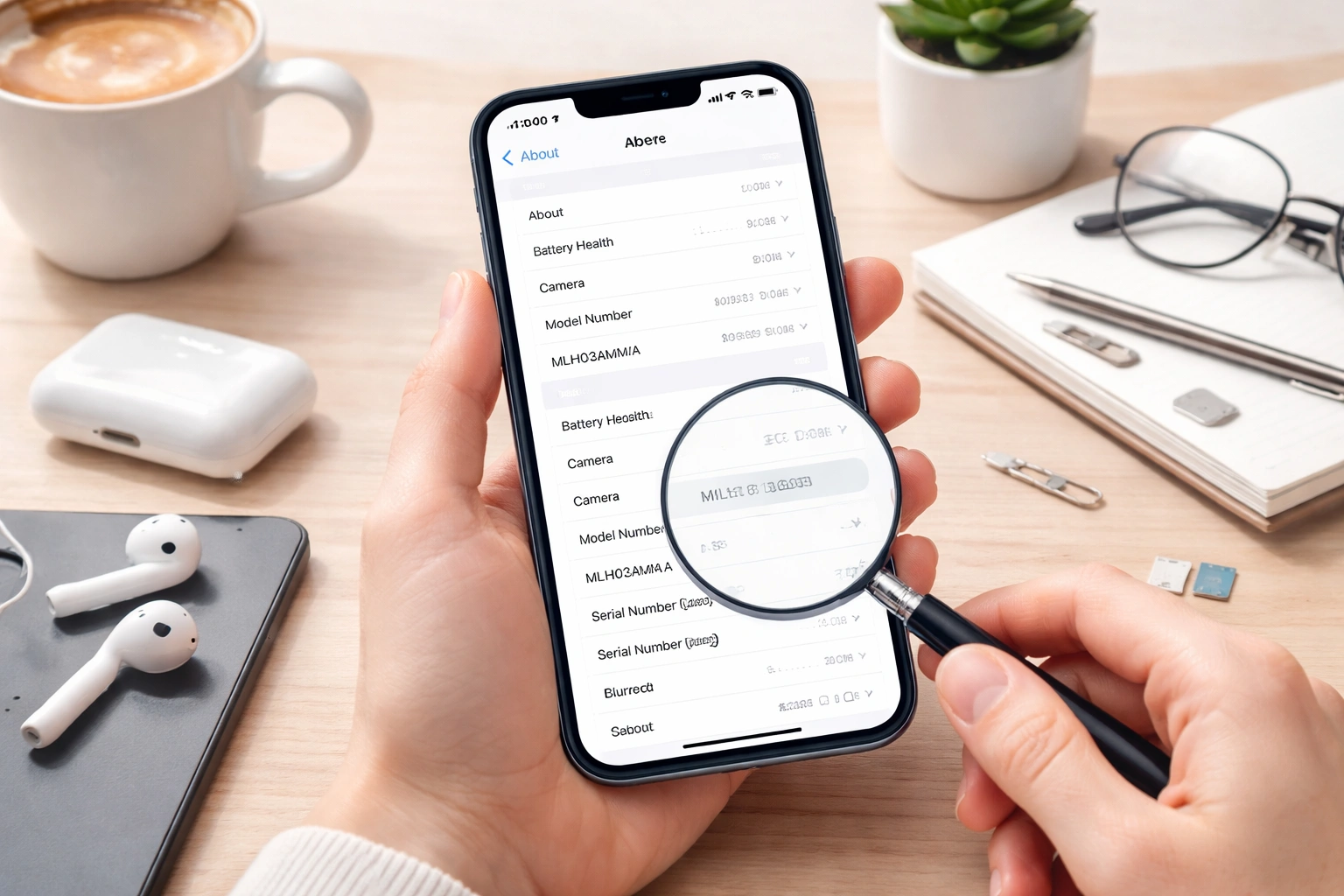
How to check a used iPhone before buying in Malaysia - settings check and inspection
Pro tip: most important checks are inside Settings — don’t rely on screenshots.
Quick advice: If you want a safer purchase, browse our latest iPhone deals or visit a nearby Cheaper Connection outlet to test before you pay.

1) Confirm Model & Storage (Don’t Trust Seller Screenshots)

1

Open Settings → General → About

Confirm the model name and storage yourself.
  • Model Name (example: iPhone 13 Pro)
  • Storage (128GB / 256GB / 512GB)
  • iOS Version (some checks require newer iOS)
Red flag: Seller refuses to open Settings or keeps rushing you.

2) iCloud Check (Most Important Step)

2

Make sure iCloud is signed out completely

Avoid activation lock / iCloud lock issues.
  • In Settings, check if an Apple ID is signed in at the top.
  • If yes, ask the seller to sign out in front of you.
  • Best method: request Erase All Content and Settings and confirm it reaches the Hello setup screen.
Red flag: “Can settle later”, “No time”, or “Just trust me” — don’t buy.

If you’re not sure, WhatsApp us before you pay: Contact Cheaper Connection.

3) Battery Health (Hidden Cost)

3

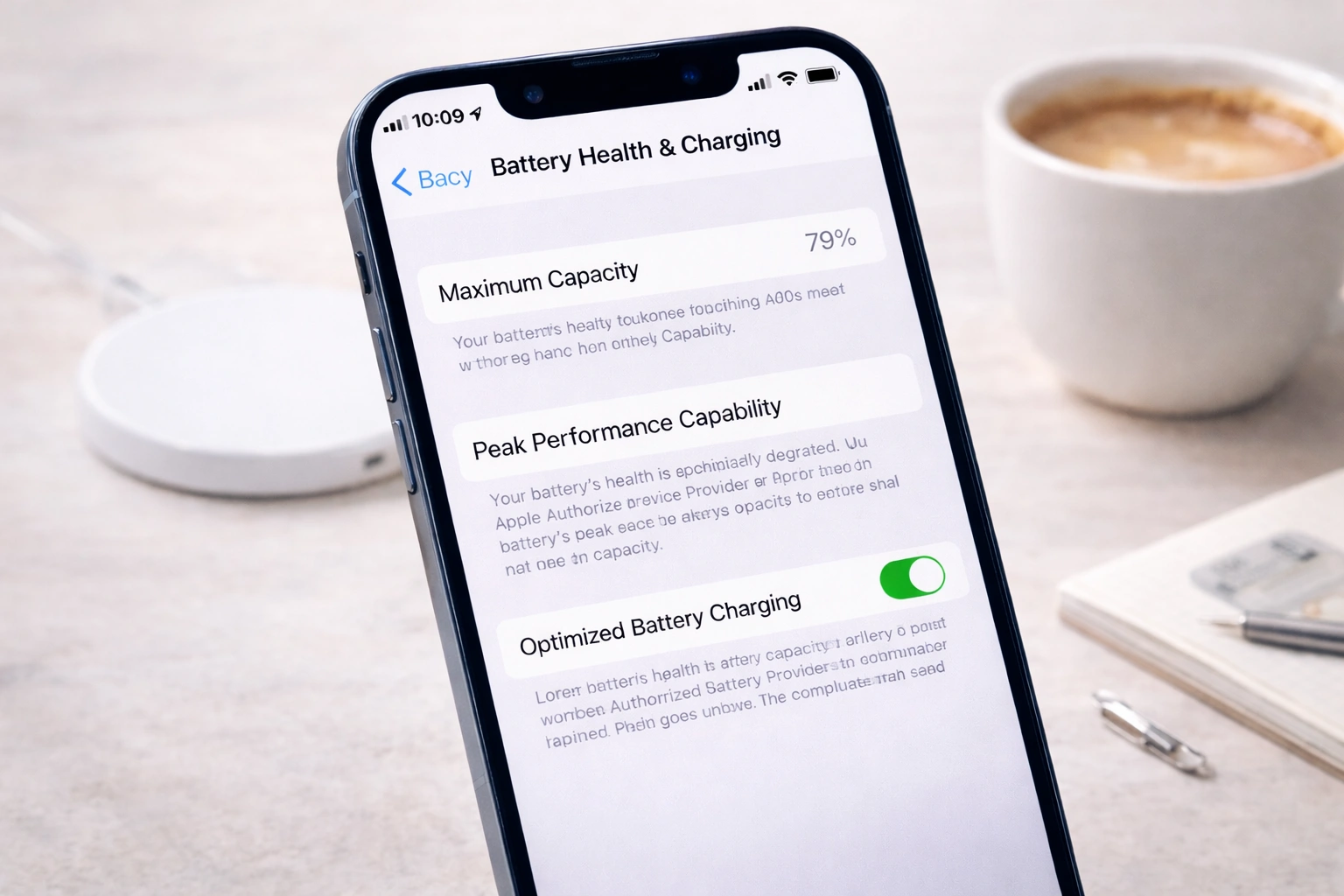
Settings → Battery → Battery Health & Charging

Battery affects performance & resale value.
Battery Health Meaning Recommendation
90% and above Strong condition Good buy if other checks pass
85% – 89% Normal used device range Okay, negotiate a bit
Below 80% Likely needs replacement Only buy if price makes sense
iPhone battery health Malaysia guide - check maximum capacity before buying
Battery health is one of the biggest “hidden cost” factors for used iPhones.

If you plan to replace the battery, consider asking about our iPhone repair services so you can estimate total cost properly.

4) Parts & Service History (Spot Replaced Parts)

4

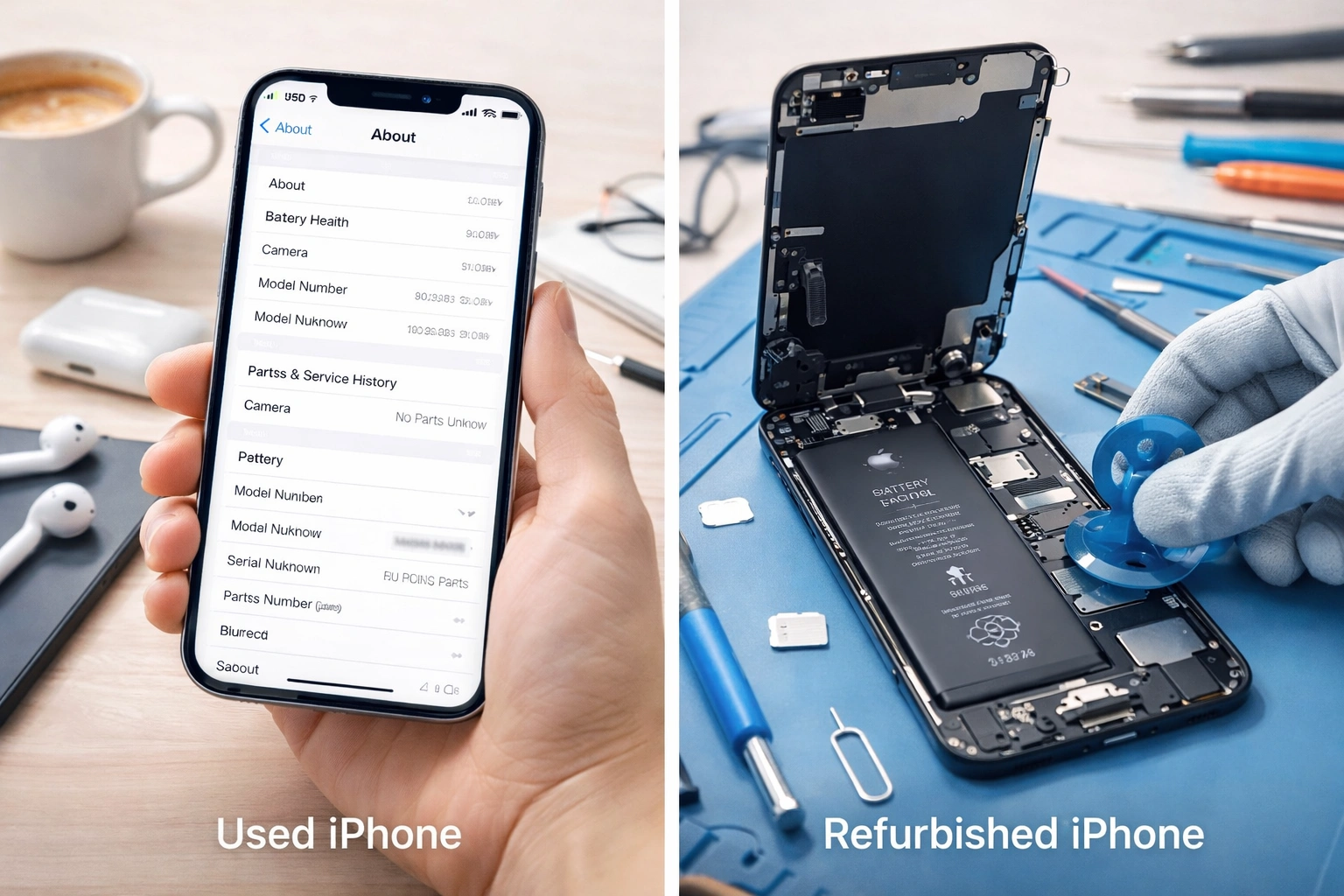
Check Parts & Service History

Newer iOS shows “Unknown Part” warnings.
  • Go to Settings → General → About.
  • Look for Parts & Service History.
  • If it shows Unknown Part, inspect carefully and negotiate or avoid.
Tip: Some repairs are not automatically “bad” — but hidden repairs are a big red flag.

5) 3-Minute Hardware Test Checklist

5

Test these before you pay

This catches most real-world issues fast.
Touchscreen
Face ID / Touch ID
Cameras
Speaker
Microphone
Wi-Fi / Mobile
Charging
Buttons
Hardware test used iPhone Malaysia - camera and functions check Used iPhone checklist Malaysia - screen battery camera speaker charging tests

6) Used vs Refurbished in Malaysia (Quick Difference)

Item Used iPhone Refurbished iPhone
Parts Usually original May include replaced parts
Condition Depends on owner Often “restored” look
Risk Medium Medium–High if unknown source
Best for Value buyers People who want “like new” look

If you want the safer route, we recommend choosing a seller that provides QC checks and support. You can also explore installment options if you prefer lower monthly payment.

Conclusion

If you follow this checklist (iCloud sign-out, battery health, parts history, and hardware testing), you’ll avoid most common traps when buying a used iPhone in Malaysia.

Next steps: Browse Shop iPhones, trade in your old phone via Trade-In, or visit our store locations to test before you buy.

Want us to recommend the best iPhone for your budget?
WhatsApp us and we’ll advise based on your budget, usage, and preferred model.

Frequently Asked Questions

What battery health is acceptable when buying a used iPhone?
Generally, a used iPhone with battery health above 85% is considered acceptable. Below 80%, you should expect to replace the battery soon and factor that cost into the price.
How do I avoid iCloud lock issues when buying a used iPhone?
Always ensure the seller signs out of their Apple ID in front of you. The phone should be erased and show the “Hello” setup screen before payment. Never buy a phone that is still linked to someone else’s iCloud.
How can I tell if a used iPhone has replaced or unknown parts?
On newer iOS versions, go to Settings > General > About and check Parts & Service History. If it shows “Unknown Part,” the phone may have third-party replacements.
Is it safer to buy a used iPhone from a shop instead of an individual seller?
Yes. Shops usually perform QC checks, verify iCloud status, and offer after-sales support. This reduces the risk compared to buying from unknown individual sellers.
What should I test before paying for a used iPhone?
Before paying, test the screen touch, Face ID or Touch ID, front and rear cameras, speaker, microphone, Wi-Fi and mobile signal, charging port, buttons, and vibration. A quick 3-minute hardware test can reveal most hidden issues.
Shop
0
Wishlist
Cheaper Connections Shopping Cart
0
Cart
Login

Follow Us On: